The High Cost of Disorganized Photo Studio Gear Checkouts
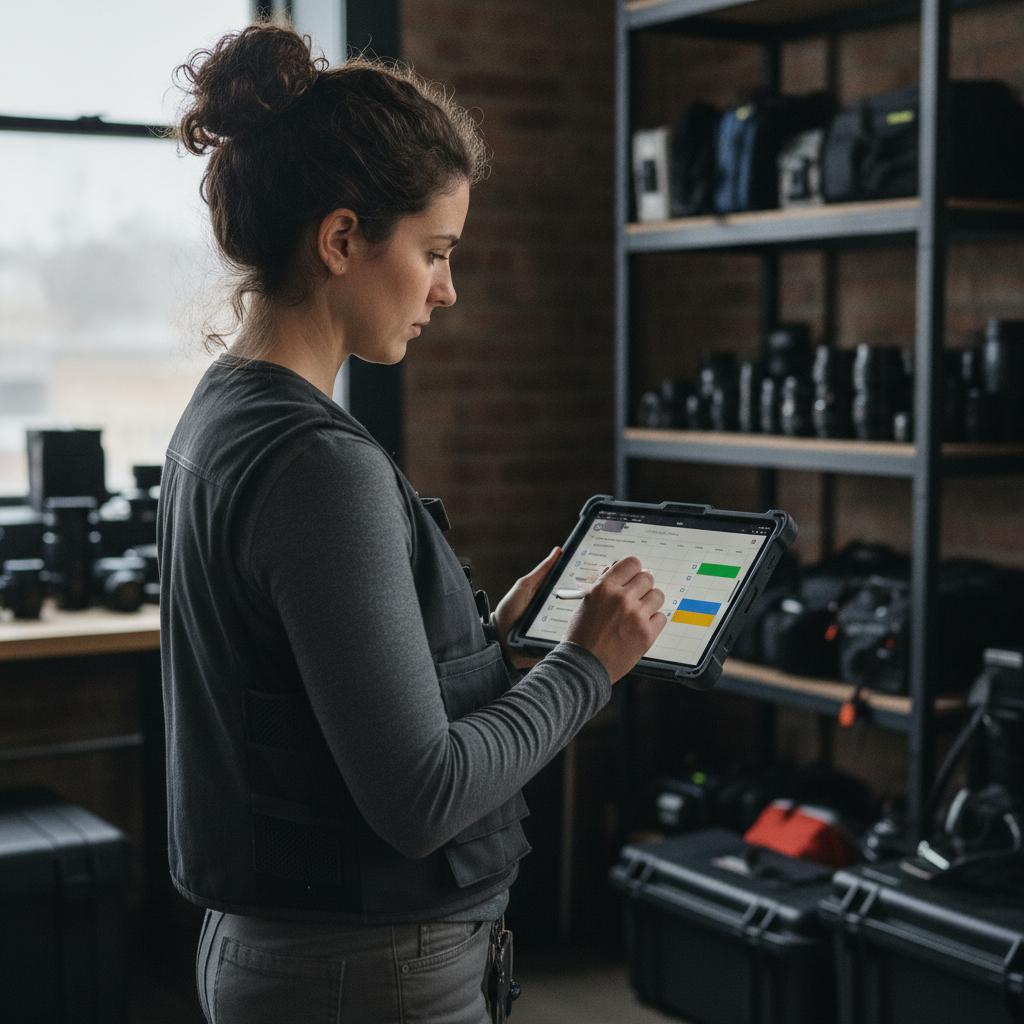
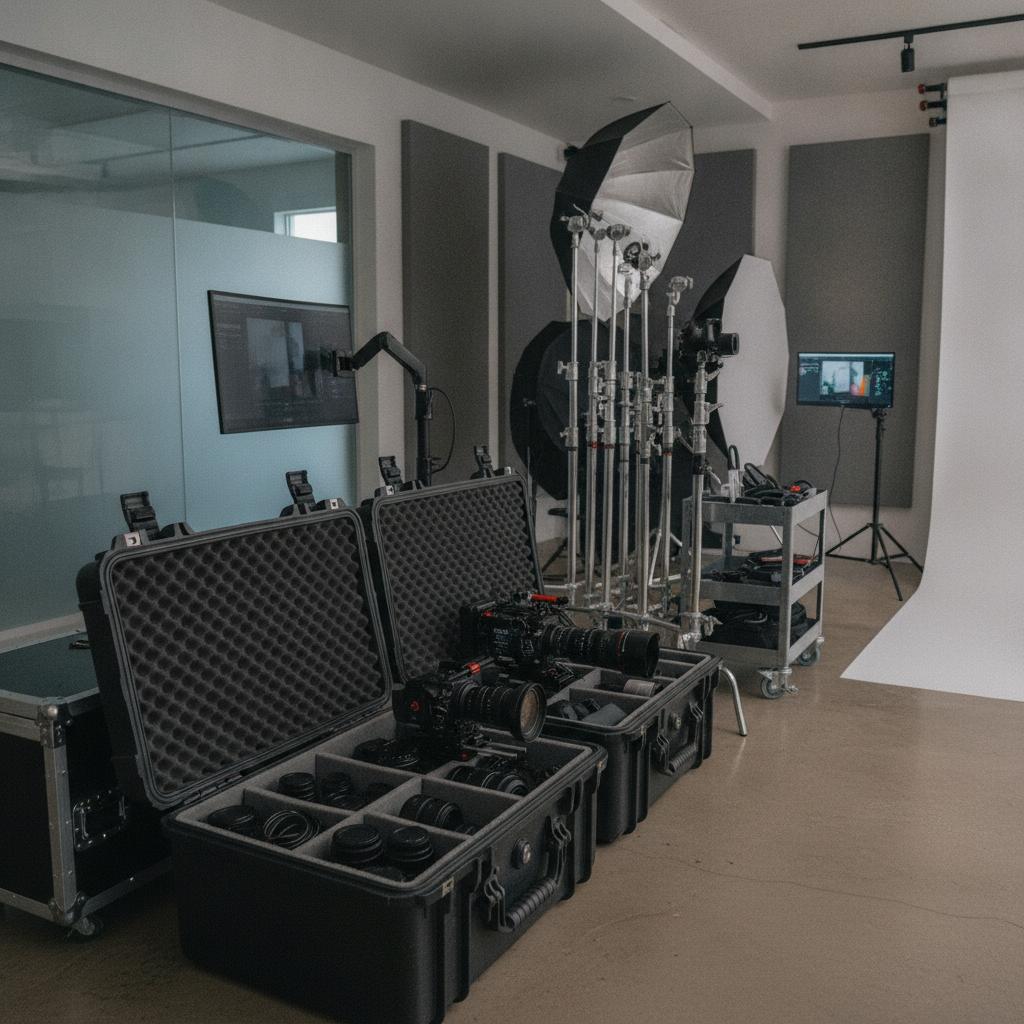
Running a commercial photography studio, creative agency, or equipment rental house means juggling high-value assets. From strobe lighting kits and cinema cameras to tethering cables and C-stands, keeping track of who has what can quickly spiral out of control. Relying on messy chat threads, static spreadsheets, or bloated, per-seat enterprise software often leads to missed deadlines, damaged gear, and costly double-bookings.
When a camera body is promised to two different production teams on the same afternoon, trust erodes, and profit margins shrink. To scale your operations, you need a dedicated photo studio equipment checkout calendar that provides real-time visibility into your inventory without the administrative overhead.
Why Legacy Spreadsheets and Bloated Tools Fail Studios
Many studio managers try to force generic calendars or spreadsheets to handle asset tracking. Unfortunately, spreadsheets cannot stop human error. They lack automated conflict prevention, meaning an accidental overwrite can ruin a client shoot. On the other hand, traditional resource management tools often charge steep per-user fees, penalizing you as your freelance crew and staff grow.
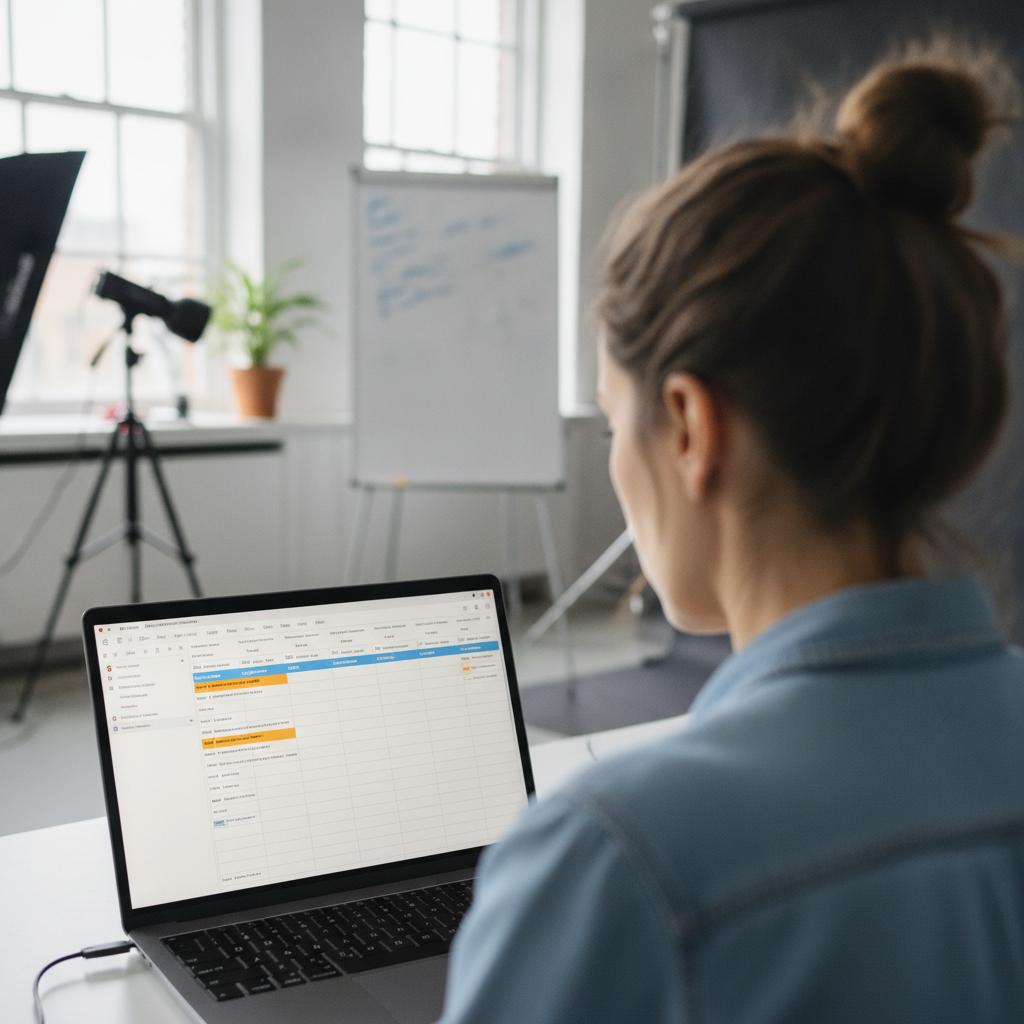
Studio operations require a solution built specifically for fast-paced visual workflows. You need an intuitive platform where sharing assets, tracking maintenance, and locking schedules happens instantly. To dive deeper into optimizing your gear workflows, read our guide on how to Streamline Your Production with a Photo Studio Equipment Checkout Calendar.
OBCal vs. Legacy Software and Spreadsheets
See how a purpose-built visual operations hub compares to traditional, error-prone methods for managing studio equipment.
| Feature | OBCal (Visual Conflict Lock & Flat Rate) | Legacy Software / Spreadsheets |
|---|---|---|
| Schedule Overlap Prevention | 100% Conflict-Locked Timeline | Manual checks; frequent double-bookings |
| Pricing Model | Flat $49/month for unlimited staff | Punitive per-seat user taxes |
| Field Documentation | Mobile photo proofs & condition notes | Disorganized text messages or lost papers |
| Visual Clarity | Calendar-first grid for instant status | Cluttered rows and hidden cells |
Pro Tips for Managing a Photo Studio Equipment Checkout Calendar
Implementing a new system is only half the battle. Use these expert tips to maximize efficiency in your studio:
- Color-Code by Asset Category: Assign distinct colors for lighting, camera bodies, audio gear, and grip equipment to instantly gauge availability at a glance.
- Mandate Mobile Photo Proofs: Require assistants to upload a quick photo of gear condition upon checkout and return to eliminate disputes over scratches or wear.
- Build Buffer Blocks: Schedule a 30-minute buffer window between checkouts to allow for battery recharging, sensor checks, and firmware updates.
Frequently Asked Questions
How does a conflict-locked calendar prevent double-bookings?
A conflict lock engine automatically detects when an asset is assigned during an overlapping time window. It blocks the reservation, ensuring an item cannot be booked twice.
Can I add my freelance crew and assistants without extra fees?
Yes. OBCal features a flat pricing model of $49/month for unlimited staff and team members, so you never pay per-seat user taxes.
How do mobile photo proofs work during equipment checkouts?
Staff members can attach field photos, receipts, or maintenance notes directly to any calendar event using their mobile devices, keeping all documentation tied to the specific rental window.
Take Control of Your Studio Equipment Today
Stop losing time and money to scheduling friction and missing gear. Transform your workflow with a visual, conflict-locked system designed for modern creatives. Start your 14-day free trial of OBCal today and experience seamless visual operations.