The High Cost of Disorganized Studio Gear Management
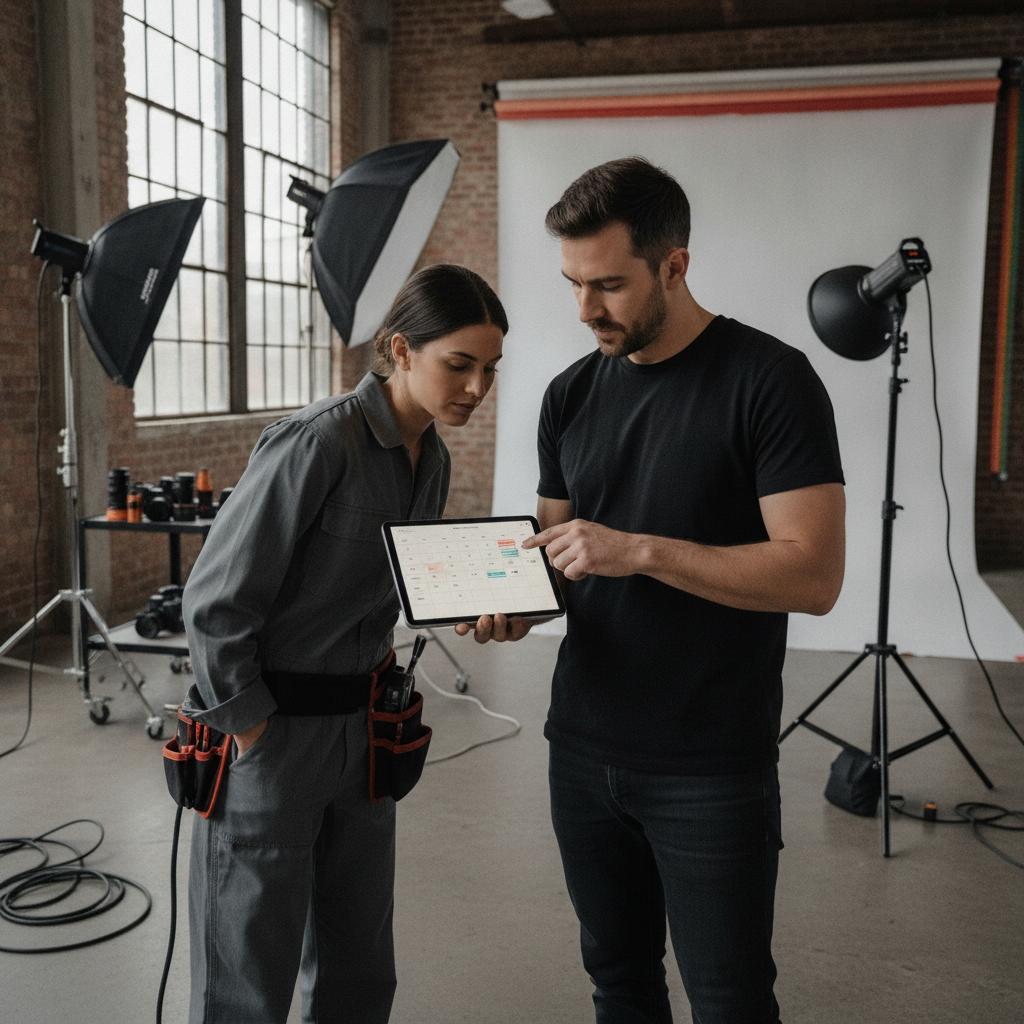
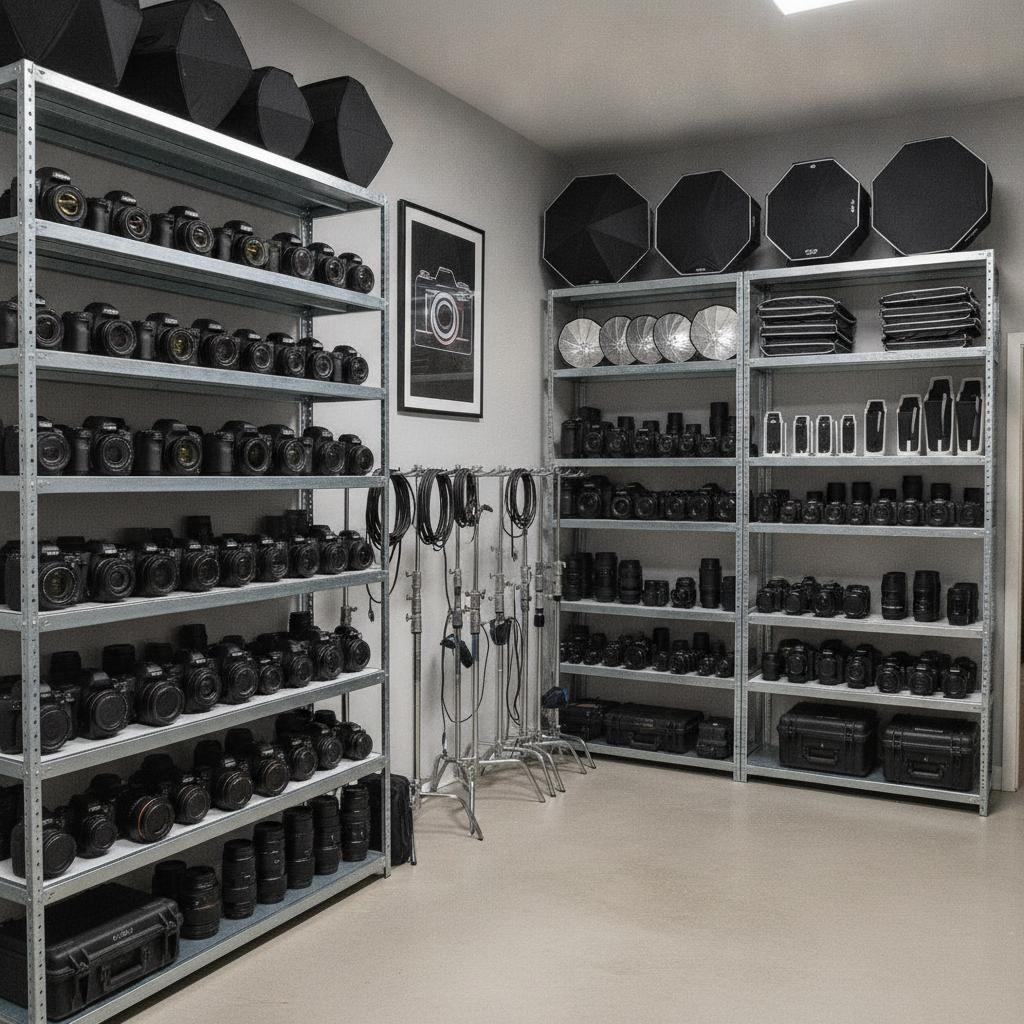
Running a commercial photo studio or working as an independent commercial photographer means juggling thousands of dollars in high-end gear. From strobes and modifiers to cinema-grade camera bodies and tethering cables, your equipment is the lifeblood of your business. Yet, many studio managers still rely on sticky notes, chaotic group chat threads, or confusing spreadsheets to track checkouts. This outdated approach inevitably leads to missing lenses, expensive double-bookings, and panicked last-minute equipment hunts right before a client arrives.
When multiple team members or freelance assistants are pulling gear simultaneously, manual tracking simply breaks down. You need a centralized system designed specifically for visual asset management. For broader operational workflows, you might also look at how Dispatch Calendar Software for Small Business: Ditch Group Chats and Per-Seat Fees transforms modern team coordination.
Why Spreadsheets and Legacy Tools Fail Photographers
Traditional spreadsheets cannot stop a human error. If two assistants log a C-stand kit for different studio bays on the same afternoon, a static Excel sheet will gladly accept both entries, leaving you stranded mid-shoot. Furthermore, legacy asset management tools often trap you in punitive per-seat pricing models, charging you extra every time you bring on a freelance digital tech or lighting assistant.
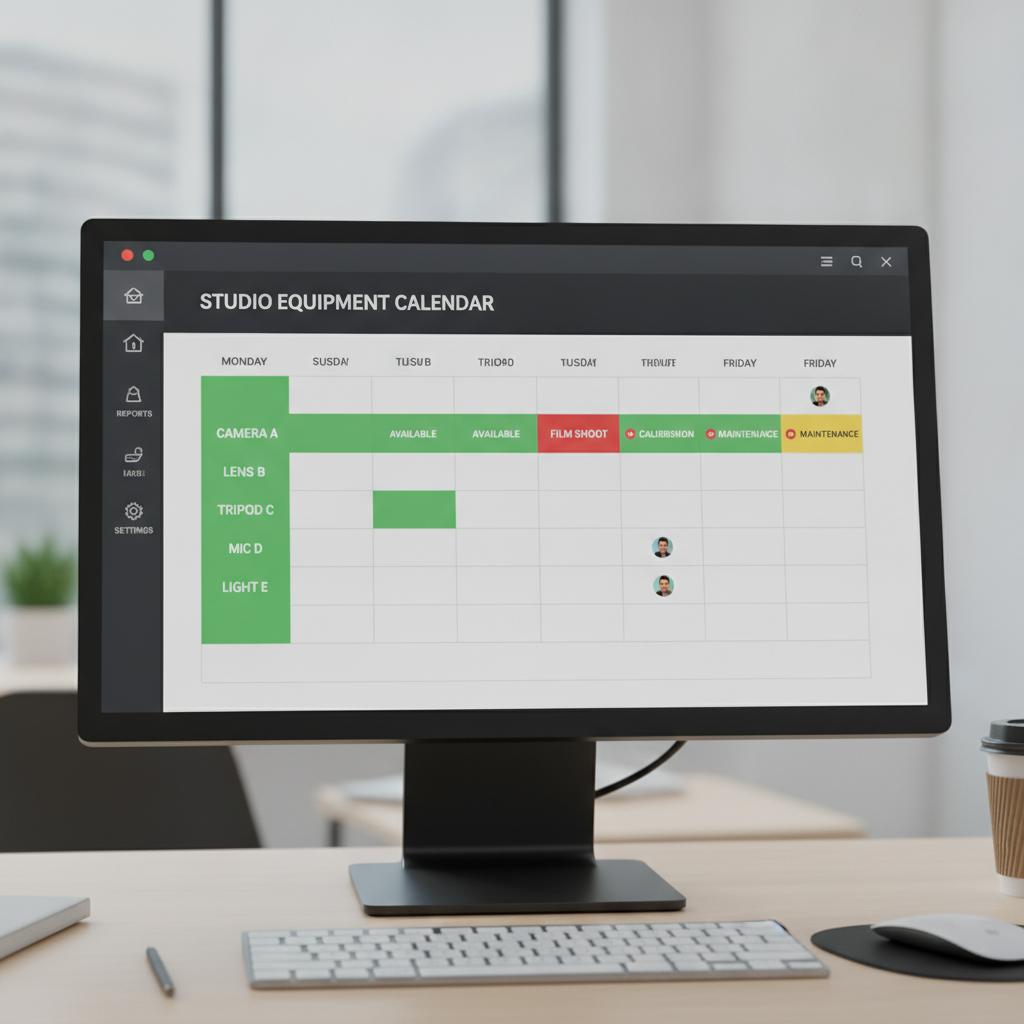
Studio owners need a dedicated photo studio equipment checkout calendar that enforces rules natively. Instead of fighting with complex software or paying per user, modern operations require a conflict-locked visual timeline where gear can only be booked if it is physically available.
Comparing Checkout Methods for Creative Studios
| Feature | OBCal (Visual Conflict Lock & Flat Rate) | Legacy Software / Spreadsheets |
|---|---|---|
| Double-Booking Prevention | Automated 100% conflict lock engine | None (Relies on manual human scanning) |
| Pricing Model | Flat $49/month for unlimited staff | Bloated per-seat user taxes |
| Mobile Proofs & Condition Tracking | Attach field photos, receipts, and notes directly | Disjointed paper forms or lost camera rolls |
| Visual Simplicity | Clean, calendar-first grid for instant clarity | Endless rows, columns, and tabs |
Pro Tips for Managing Studio Equipment Checkouts
Implementing a new checkout workflow requires clear standards across your team. Follow these professional best practices to keep your gear room running smoothly:
- Enforce Mandatory Visual Proofs: Require staff to snap a quick photo of lenses and bodies upon checkout and return. Attaching these mobile photo proofs directly to calendar events eliminates liability regarding preexisting scratches or missing caps.
- Build Buffer Blocks: Schedule a 30-minute turnaround buffer between rentals. This gives your studio assistants enough time to inspect, clean, and recharge batteries before the next crew checks out the gear.
- Consolidate Multi-Item Kits: Group frequently paired items—such as a specific flash head, battery pack, and sync cord—into a single bookable resource on your calendar to speed up the checkout process.
Efficiency in your studio often mirrors best practices in other industries. To see how structured asset scheduling works elsewhere, review this guide on Why Your Venue Needs Dedicated Hotel Conference Room and Facility Booking Software.
Frequently Asked Questions
How does a conflict-locked calendar prevent lost gear?
A conflict-locked calendar strictly prohibits overlapping reservations for the exact same serial number or kit. If a strobe kit is booked for Studio A, the system locks that inventory out, making it impossible for another team member to reserve it concurrently.
Can I give my freelance assistants access without paying extra?
Yes. OBCal features a flat $49/month pricing model that includes unlimited staff members. You can invite all your freelance lighting techs and studio managers without incurring per-seat penalties.
How do I attach receipts and maintenance notes to equipment?
With visual operations hubs like OBCal, you can attach maintenance logs, repair receipts, and inspection photos directly to the specific calendar event or equipment profile for complete historical tracking.
Take Control of Your Studio Operations Today
Stop letting disorganized gear checkouts slow down your creative momentum. Upgrade to a visual, conflict-locked system built for modern studios. Experience seamless scheduling and protect your valuable assets. Start your 14-day free trial of OBCal today and see how effortless studio management can be.