The High Cost of Disorganized Camera Gear Management
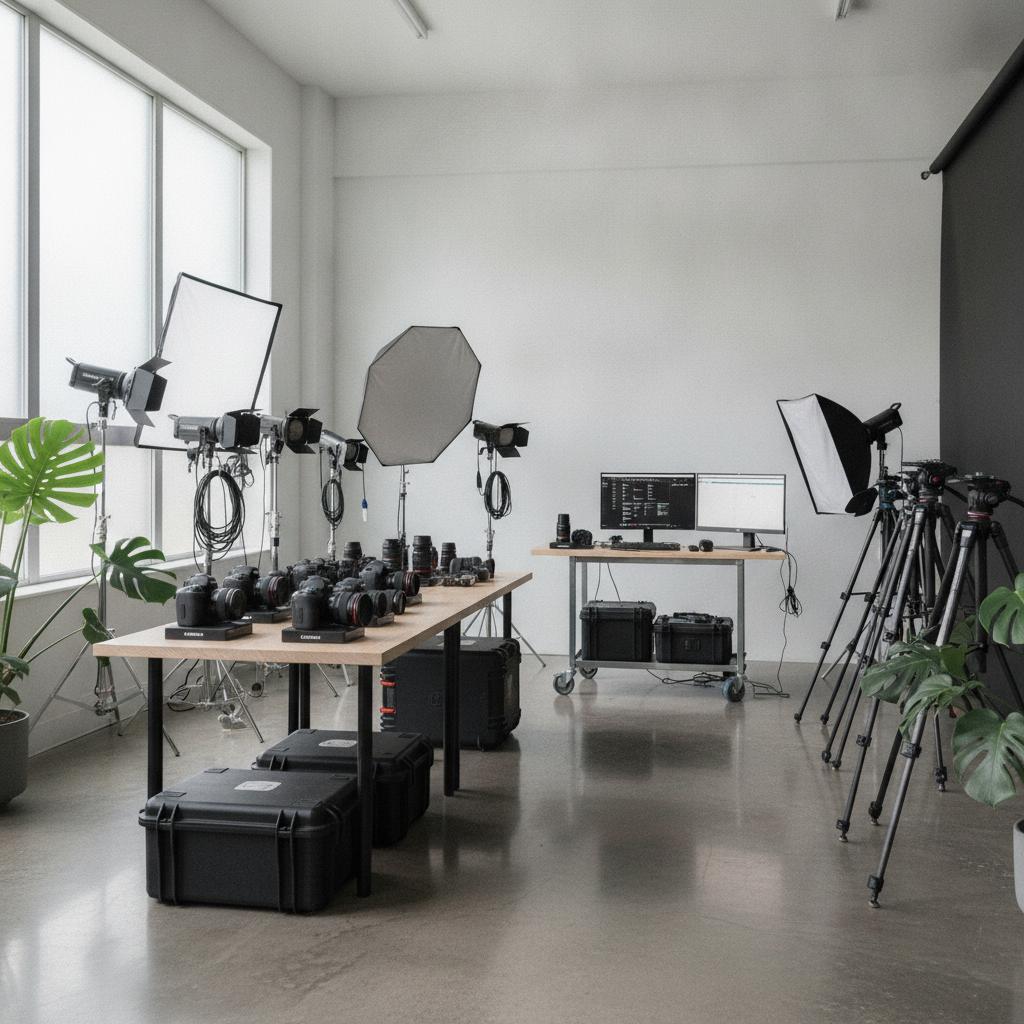
Running a successful photography business means juggling high-value assets like cinematic bodies, prime lenses, lighting kits, and audio gear. Yet, many independent creators and growing studios still rely on messy text threads, confusing spreadsheets, or generic tools that lack real operational depth. When you arrive at a commercial shoot only to realize a critical flash modifier was double-booked or left behind at the studio, your reputation and your bottom line take an immediate hit.
Trying to manage multi-day rentals, studio sessions, and field kits without a dedicated system leads to missed revenue and broken gear. Moving to a specialized visual operations platform changes everything. For a broader look at managing high-value field assets, explore our guide on why equipment rental tracking software with photo proof protects your bottom line.
Why Spreadsheets and Legacy Apps Fall Short
Static spreadsheets cannot prevent human error. They do not send alerts when a telephoto lens is booked for overlapping commercial projects, nor do they attach condition notes before checkout. On the other hand, bloated legacy software often charges a hefty per-seat user tax, penalizing you as your second shooter, assistant, or studio manager comes on board. You need a streamlined hub designed around how visual creators actually work.
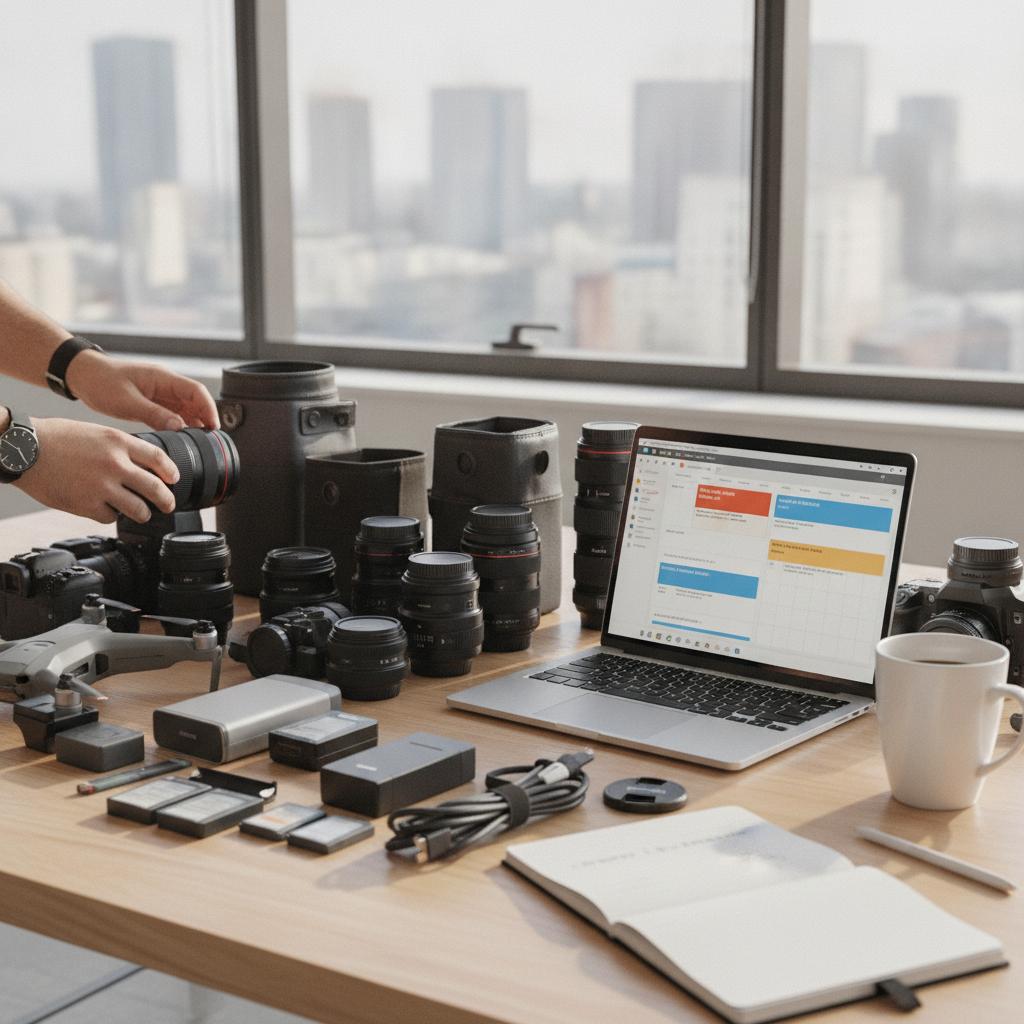
If you have outgrown disjointed scheduling tools, moving to a centralized visual calendar is the logical next step. For teams managing multiple moving parts, many operators find relief by looking at a robust TeamUp calendar alternative for operations to regain total control over their timelines.
OBCal vs. Legacy Software & Spreadsheets
| Feature | OBCal (Visual Conflict Lock & Flat Rate) | Legacy Software / Chaotic Spreadsheets |
|---|---|---|
| Conflict Prevention | 100% schedule overlap prevention engine | Manual entry errors, frequent double-bookings |
| Asset Tracking | Visual timeline for gear, rooms, and crew | Fragmented tabs and lost text messages |
| Documentation | Mobile photo proofs and maintenance logs | No visual condition records |
| Pricing Model | Flat $49/month for unlimited staff | Expensive per-seat user taxes that scale up |
Pro Tips for Managing a Freelance Photographer Equipment Checkout Calendar
- Always block buffer days: Add a 24-hour buffer before and after high-value rentals to account for shipping, cleaning, and sensor checks.
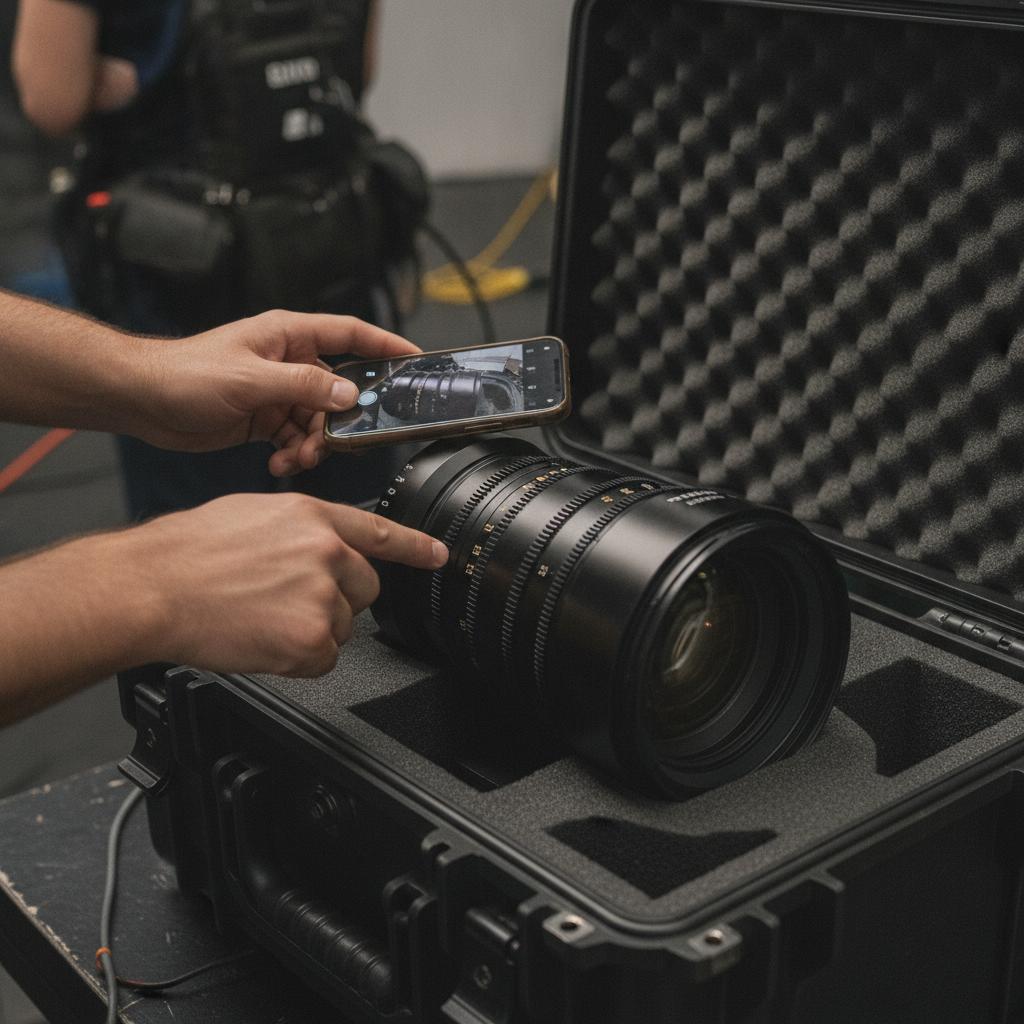
- Attach condition photos instantly: Use mobile tools to snap photos of lens glass and camera mounts during checkout to eliminate liability disputes.
- Centralize your crew and gear: Never separate where the human is going from what the human is carrying. Map your field crew alongside your camera packages on a single timeline.
Frequently Asked Questions
How does a conflict-locked calendar prevent double bookings?
A conflict-locked engine automatically detects when an asset, room, or staff member is assigned to an overlapping time slot, blocking duplicate reservations instantly before they cause operational friction.
Can I attach receipts and maintenance logs to my gear reservations?
Yes. Modern visual calendars allow you to attach field photos, repair receipts, and equipment manuals directly to individual calendar events for complete asset history tracking.
Is OBCal suitable for solo photographers and growing studios?
OBCal offers a flat $49/month pricing structure for unlimited staff, making it exceptionally cost-effective for solo operators scaling up to full production teams without per-user penalties.
Streamline Your Photography Business Today
Stop letting disorganized gear checkouts slow down your creative momentum. With OBCal, you get a visual, calendar-first operations hub featuring a conflict lock engine, mobile photo proofs, and flat-rate pricing for unlimited team members. Ready to take complete control of your gear and schedule? Start your 14-day free trial of OBCal today and experience conflict-free operations.