Running a yard, managing a fleet, or dispatching field crews means you are constantly fighting operational friction. When valuable assets, tools, and vehicles are checked in and out daily, small communication gaps snowball into expensive inventory losses. Relying on chaotic group chats or messy spreadsheets invites double-bookings and unaccounted equipment damage. To protect your bottom line, you need dedicated equipment rental tracking software with photo proof that bridges the gap between the office and the field.
Traditional operations management usually forces a false choice. On one side, teams lean on fragmented tools like WhatsApp, text messaging, and paper logs. On the other side, bloated field service management (FSM) platforms demand massive onboarding cycles and punish growing businesses with exorbitant per-seat user taxes. Neither approach solves the core operational bottleneck: knowing exactly where your equipment is, who has it, and what condition it was in at handover.
The Hidden Cost of Messy Group Chats and Spreadsheets
When dispatchers coordinate rentals through messaging apps, accountability vanishes. A yard manager sends a generator out, a driver drops it at a job site, and three days later it returns with a cracked housing unit. Without a verifiable paper trail, the finger-pointing begins. Did the client damage it on-site? Was it loaded incorrectly during transport? Was it already broken when it left the yard?
This ambiguity costs rental businesses thousands of dollars annually in unbilled repairs and lost inventory. Furthermore, manual spreadsheets cannot prevent scheduling overlaps. When two different dispatchers pencil in the same heavy machinery for overlapping dates, you face the nightmare of a failed delivery and an angry customer. This is why forward-thinking operators are transitioning to visual tools built specifically to eliminate scheduling chaos, as detailed in our guide on How to Manage Shared Resources Without Double Booking.
Visual Scheduling Meets Ironclad Accountability
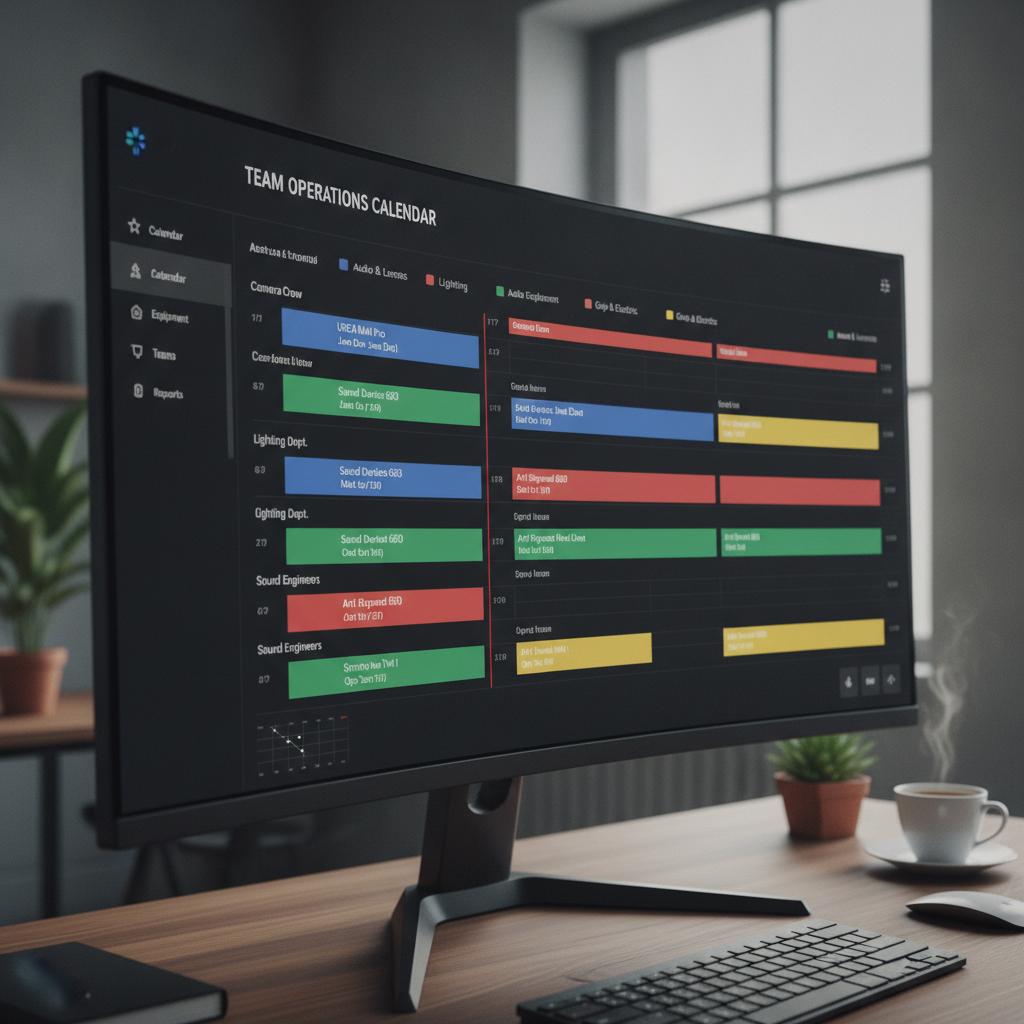
Modern equipment rental tracking requires more than just a list of items; it demands a single source of truth. By utilizing a calendar-first operational hub like OBCal, yard managers and fleet dispatchers get an immediate, visual overview of all active rentals, upcoming maintenance holds, and field crew assignments on one interactive timeline.
To see how a visual timeline transforms daily operations and eliminates administrative overhead, read our breakdown on Dispatch Calendar Software for Small Business: Ditch Group Chats and Per-Seat Fees. The magic happens when you combine this visual clarity with automated protection mechanisms.
Core Features That Protect Your Fleet
- Conflict Lock: 100% schedule overlap prevention. The system physically blocks double-bookings for multi-day rentals, vehicles, or shared gear, ensuring your team never overpromises an asset.
- Mobile Photo Proofs and Notes: Field crews capture condition photos and notes directly on the mobile app at pickup and drop-off, attaching them instantly to the calendar event.
- Complete Audit Trail: Every status change, time stamp, and visual confirmation is securely logged, giving you undeniable proof in the event of a client dispute.
OBCal vs. Per-Seat Enterprise Software
Most enterprise platforms penalize your growth by charging per user. If you hire seasonal staff, your software bill skyrockets. OBCal rejects this outdated model.
| Feature | OBCal (Visual Hub) | Traditional Per-Seat Software |
|---|---|---|
| Pricing Model | Flat $49/month (Unlimited Staff) | $25 - $40 per user / month |
| Schedule Overlap Protection | Built-in Conflict Lock | Often manual or add-on modules |
| Field Photo Proofs | Native mobile uploads attached to events | Clunky integrations or extra fees |
| Onboarding & Setup | Minutes (Zero friction) | Weeks of paid configuration |
Pro Tips for Managing Equipment Rentals Visually
To maximize your new tracking software, implement these operational best practices across your yard and dispatch teams:
- Mandate Photo Capture: Make photo proof part of the mandatory checkout and check-in checklist. Drivers cannot close out an event without uploading a time-stamped photo of the asset.
- Color-Code by Asset Status: Use visual calendar color tags to distinguish between available, rented, out-for-repair, and reserved equipment at a single glance.
- Leverage the Conflict Lock: Trust the system. If a high-value asset shows a conflict, immediately investigate rather than attempting a manual override.
To dive deeper into securing your equipment pipeline, review our complete guide on Why You Need a Conflict Lock Calendar for Equipment Rental Operations.
Frequently Asked Questions
How does photo proof prevent inventory disputes?
When field crews upload time-stamped photos of equipment condition directly to the calendar event at drop-off and pickup, you establish an indisputable record. If a client claims an item arrived damaged, your team has visual proof of its pristine condition upon delivery, protecting you from absorbing repair costs.
Will our team need extensive training to use OBCal?
No. OBCal is designed around a familiar, visual calendar grid. Yard managers, dispatchers, and field crew members can navigate the interface within minutes without tedious onboarding or complex manuals.
Why is flat-rate pricing better than per-seat software?
Per-seat software punishes your business for growing or bringing on seasonal workers by charging you for every additional login. OBCal charges a flat $49 per month for unlimited staff, keeping your operational overhead predictable.
Stop Losing Track of Your Equipment Today
Stop letting messy spreadsheets and unaccounted equipment damage drain your profits. Equip your yard managers and dispatchers with the visual tools they need to run a tight operation. Experience the power of conflict-free scheduling and mobile accountability today. Start your 14-day free trial of OBCal and take complete control of your shared assets.