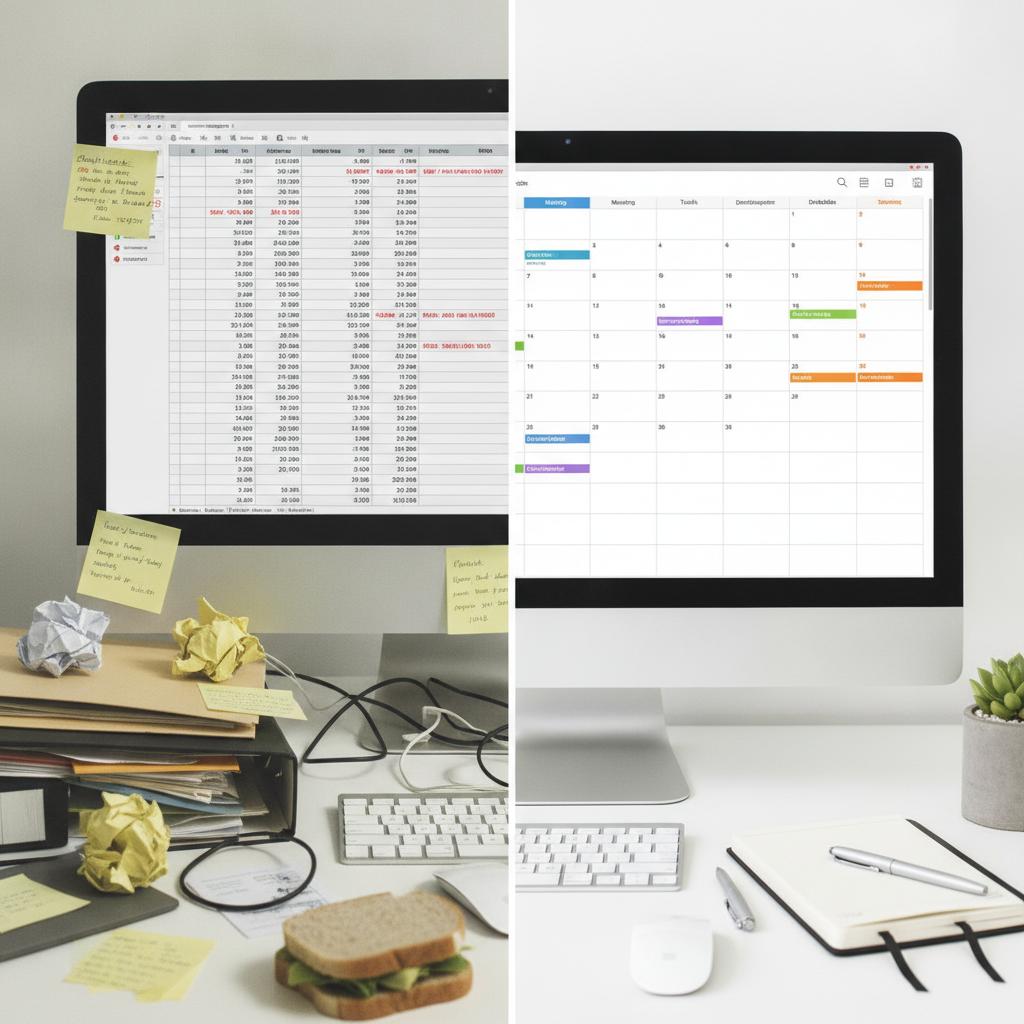
The Hidden Cost of Double-Booking in Advisory and Education
As a solo tutor, consultant, or agency lead, your most valuable asset is your time. Yet, nothing damages professional credibility faster than realizing you have double-booked two high-paying clients for the exact same hour. Traditional tools often rely on chaotic messaging threads, disconnected spreadsheets, or rigid forms that fail to account for travel time, prep blocks, or resource overlaps. If you want to protect your billable hours and maintain absolute operational clarity, you need a dedicated tutor and consultant booking calendar with conflict lock.
When scaling a service-based business, simple reminder tools are no longer enough. You need an intuitive visual engine that safeguards your schedule against human error. For deeper insights into managing overlapping schedules, check out our guide on how to manage shared resources without double booking.
Why Spreadsheets and Basic Schedulers Fail
Most independent operators start with color-coded spreadsheets or basic booking links. While these methods work initially, they quickly break down as your client roster grows. Spreadsheets require manual data entry, leaving the door wide open for human error and missed updates. Meanwhile, generic booking widgets often permit back-to-back appointments without factoring in the preparation time required for complex consulting sessions or tutoring modules. The result is chronic burnout and frustrated clients.
The Solution: OBCal and the Conflict Lock Engine
OBCal (OBCal.com) changes the paradigm by introducing a visual, calendar-first hub built specifically to eliminate scheduling overlaps. Unlike legacy software that charges you per user or limits your scaling potential, OBCal offers absolute peace of mind with an unshakeable conflict-lock engine.
Feature Comparison
| Feature | OBCal (Visual Conflict Lock & Flat Rate) | Legacy Software / Spreadsheets |
|---|---|---|
| Conflict Prevention | 100% automated schedule overlap prevention | Manual checking or prone to glitchy overrides |
| Pricing Model | Flat $49/month for unlimited staff and assets | Bloated per-seat user taxes that punish growth |
| Media & Records | Attach session notes, files, or receipts directly | Disjointed cloud folders and messy email threads |
| Interface | Visual, calendar-centric operations hub | Confusing menus and text-heavy dashboards |
For more strategies on safeguarding your operational timeline against multi-slot errors, review our insights on why you need a conflict lock calendar for equipment rental operations.
Pro Tips for Optimizing Your Booking Workflow
- Build Buffer Blocks: Always bake a 15-to-30-minute buffer into your calendar between client sessions to review notes and prepare materials.
- Centralize Client Documentation: Attach intake forms, homework assignments, or pre-read documents directly to the calendar event so everything lives in one unified view.
- Lock Your Core Focus Hours: Designate specific un-bookable windows for administrative work, marketing, and business development to prevent constant context switching.
Frequently Asked Questions
What is a conflict lock calendar?
A conflict lock calendar is a scheduling system that actively prevents two overlapping appointments or resource allocations from being booked at the same time, completely eliminating accidental double-bookings.
Can I use OBCal if I work with a team of tutors or consultants?
Yes. OBCal supports multi-user environments under a single predictable flat rate of $49 per month, allowing you to scale your team without incurring punishing per-seat software costs.
How do I start managing my bookings with OBCal?
You can get started immediately by exploring the platform and testing out your visual operations hub using our risk-free trial.
Ready to take complete control of your advisory schedule? Streamline your daily operations today and experience the power of a visual timeline. Start your 14-day free trial with OBCal and eliminate scheduling chaos for good.