The High Cost of a Single Scheduling Error
For independent professionals, time is the ultimate currency. When you operate solo, your revenue depends entirely on your billable hours and field efficiency. Yet, many operators still rely on manual text threads, messy spreadsheets, or rigid tools that do not scale. Discover why your business needs multi day event calendar software to protect your revenue.
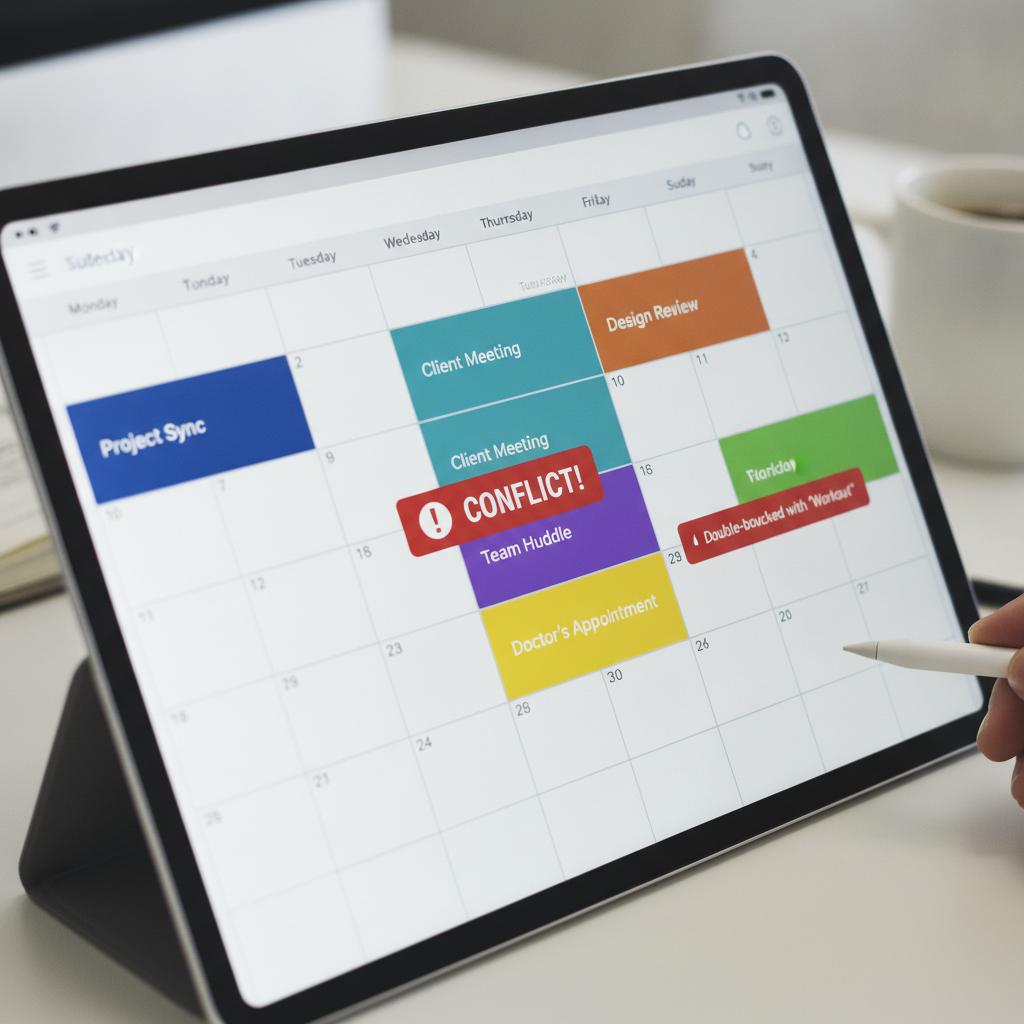
When you accidentally promise the same hour or equipment to two different clients, the fallout is immediate. You face damaged reputations, frantic rescheduling, and lost revenue. Learning how to prevent double booking for solo contractors is not just about keeping a neat diary; it is about building a bulletproof operational foundation that protects your bottom line.
Why Spreadsheets and Basic Apps Fail
Standard calendar apps and color-coded spreadsheets leave too much room for human error. They do not actively block overlapping entries, meaning a tired contractor can easily drag an appointment over an existing booking. Furthermore, managing client details, field notes, and photo receipts across separate apps creates massive friction.
Bloated enterprise platforms also miss the mark for independent operators. They charge steep per-seat fees and include complex modules you will never use. You need a streamlined system built specifically for visual clarity and strict schedule enforcement.
The Solution: Visual Conflict-Locked Scheduling
To eliminate scheduling overlap permanently, you need a calendar that acts as an active guardrail. This is where OBCal transforms your daily operations. Designed as a visual operations and resource calendar, OBCal uses a strict conflict-locked timeline to make double-booking physically impossible.
OBCal vs. Legacy Software & Spreadsheets
| Feature | OBCal (Visual Conflict Lock & Flat Rate) | Legacy Software / Chaotic Spreadsheets |
|---|---|---|
| Schedule Overlap Prevention | 100% automated conflict lock engine | High risk of human error and overlaps |
| Pricing Structure | Flat $49/month for unlimited use | Expensive per-user seat taxes |
| Field Documentation | Attach mobile photo proofs and notes instantly | Scattered across text messages and emails |
Pro Tips for Solo Contractors to Master Time Management
- Enforce Buffer Times: Always add a mandatory 15-to-30-minute travel buffer between client jobs to absorb minor delays.
- Centralize Asset Tracking: If your work requires specific tools, equipment, or vehicles, track them on the same timeline as your appointments.
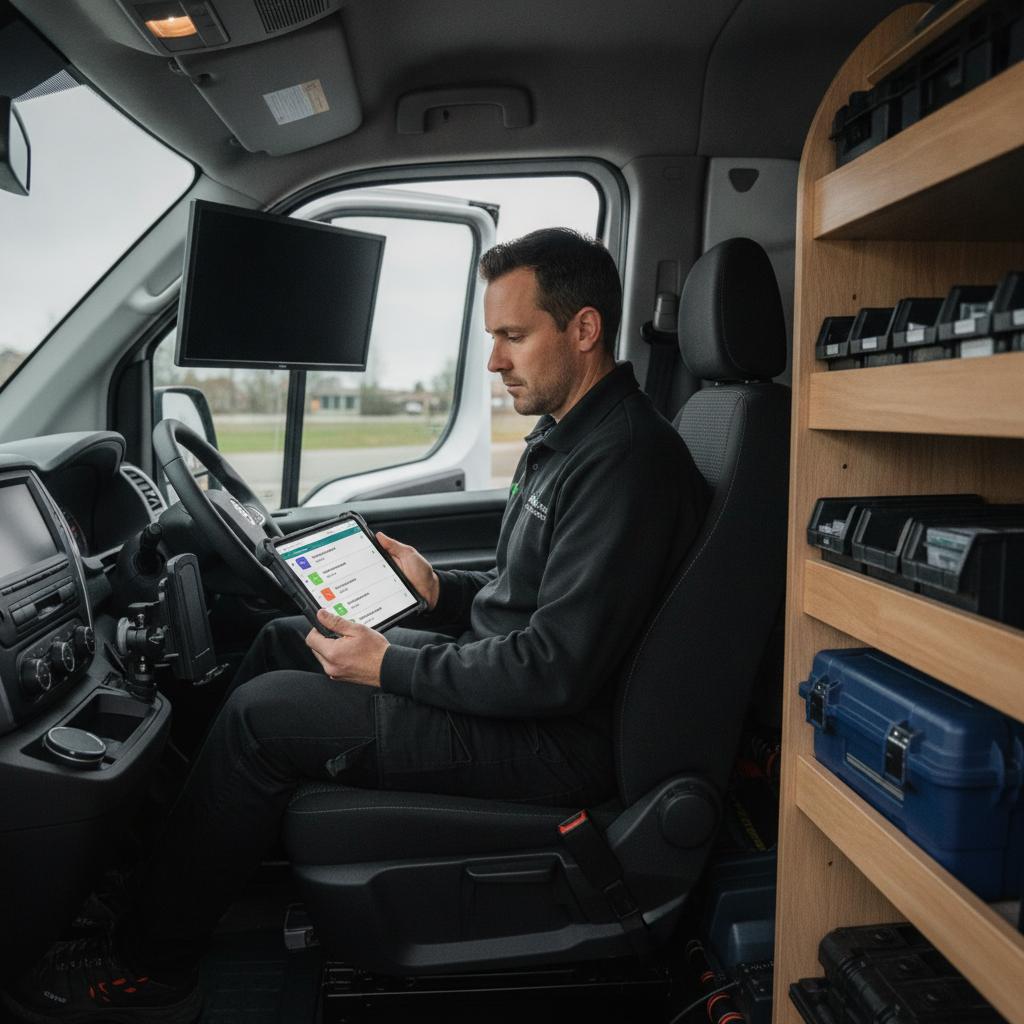
- Attach Documentation Immediately: Upload site photos, client notes, and receipts directly to the calendar event while still on-site to keep records clean.
For a broader look at upgrading your operational stack, explore our guide on finding the best Teamup calendar alternative for operations.
Frequently Asked Questions
How does a conflict lock engine prevent double booking?
A conflict lock engine automatically scans your timeline whenever a new task, job, or multi-day booking is created. If the requested time slot overlaps with an existing commitment, the system blocks the entry, ensuring zero scheduling conflicts.
Can I manage equipment alongside my client appointments?
Yes. OBCal allows you to manage shared assets, vehicles, equipment, and solo client bookings on a single, unified visual timeline.
How much does OBCal cost for independent operators?
OBCal features unbeatable flat pricing at just $49 per month, giving you full access to all scheduling and operational features without per-user penalties.
Take Control of Your Schedule Today
Stop letting scheduling chaos cut into your profits. Experience the clarity of a visual, conflict-locked timeline designed for independent operators. Start your 14-day free trial of OBCal today and secure your operations.