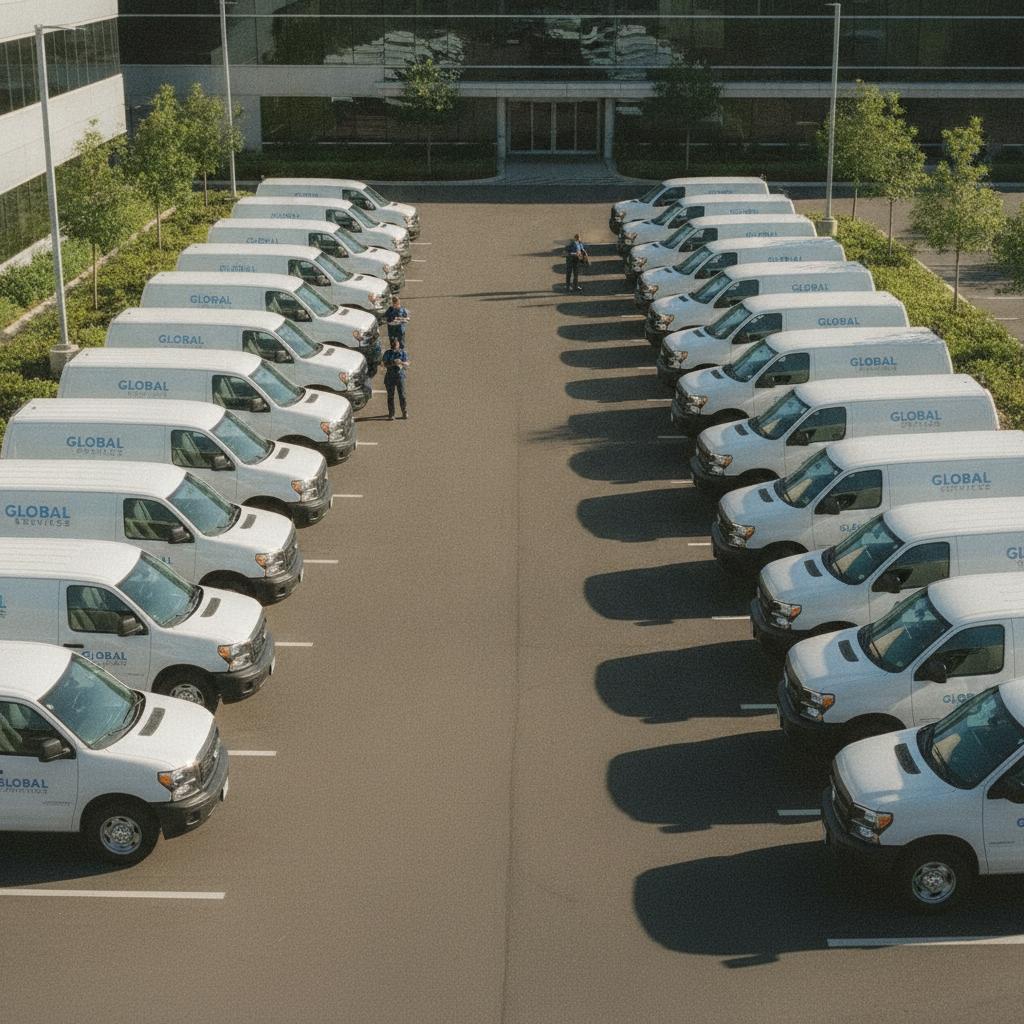
Resource management can quickly turn into a logistical nightmare. Whether you are running a field service crew, managing high-value equipment rentals, or coordinating shared rooms, running into scheduling overlap spells disaster. When two team members claim the same vehicle, camera kit, or workspace at the exact same hour, revenue slips through the cracks and client trust takes a hit. Relying on messy group chats, fragmented spreadsheets, or bloated legacy software simply does not cut it anymore.
If you want to scale your operations smoothly, you need a bulletproof system that prevents scheduling mistakes before they happen. For businesses scaling up their daily output, looking into a modern Dispatch Calendar Software for Small Business: Ditch Group Chats and Per-Seat Fees can completely transform how your team operates.
Why Traditional Scheduling Methods Fail
Many growing businesses start out managing shared assets using color-coded spreadsheets or messaging apps. Initially, it feels manageable. However, as your team grows, the cracks show. Spreadsheets do not update in real-time, leading to accidental overwrites. Group chats get buried under irrelevant messages, and by the time someone checks the schedule, the equipment has already been double-booked.
Furthermore, many enterprise scheduling tools punish you for growing. They charge arbitrary per-seat user taxes that inflate your software overhead just because you added a new seasonal worker or part-time staff member. Operations teams often find themselves searching for a reliable Why Growing Operations Need a Better TeamUp Calendar Alternative to escape escalating subscription costs while gaining tighter control over their assets.
The Solution: Visual Conflict-Locked Scheduling
The secret to mastering resource allocation lies in calendar-centric simplicity. Instead of forcing your team to dig through text threads or decipher complex database rows, a visual operations calendar provides a unified timeline. Every tool, vehicle, room, and team member lives on a single grid.
When you rely on a platform equipped with an automated Conflict Lock Engine, accidental overlaps become a thing of the past. The system physically prevents a second reservation from being placed over an active booking for multi-day rentals, field jobs, or focus blocks. You can also organize your own personal workday by Mastering the Time Boxing Calendar for Deep Work and Focus to ensure your internal operations run seamlessly alongside client demands.
OBCal vs. Legacy Software and Spreadsheets
| Feature | OBCal (Visual Conflict Lock & Flat Rate) | Legacy Software & Spreadsheets |
|---|---|---|
| Double Booking Prevention | 100% automated conflict-locked timeline | Prone to human error and manual overwrites |
| Pricing Model | Flat $49/month for unlimited staff | Bloated per-seat user taxes |
| Field Documentation | Attach mobile photo proofs and logs instantly | Scattered across text messages and emails |
| Visual Clarity | Calendar-centric simplicity | Clunky interfaces or static grid cells |
Pro Tips for Conflict-Free Resource Management
- Centralize Your Source of Truth: Never allow side-channel scheduling via direct messages. If it is not on the master calendar, it does not exist.
- Build Buffer Times: Always add a 15-to-30 minute buffer between equipment bookings for transit, cleaning, or maintenance checks.
- Attach Mobile Proofs: Require staff to upload quick photo logs or condition notes directly to the calendar event upon return to maintain accountability.
Frequently Asked Questions
How does OBCal prevent double booking?
OBCal uses an automated Conflict Lock Engine. If a tool, vehicle, room, or staff member is already reserved for a specific time window, the system physically blocks overlapping bookings, eliminating human scheduling errors.
Can I add my entire team without paying extra fees?
Yes. OBCal features an unbeatable flat pricing model of $49 per month that includes unlimited staff members, so you never have to worry about per-seat penalties as your team scales.
How do I attach field notes and receipts to bookings?
Team members can instantly attach mobile photo proofs, maintenance logs, and expense receipts directly to any calendar event from their mobile devices, keeping all job data organized in one place.
Ready to take control of your shared assets and eliminate scheduling chaos? Discover how simple resource tracking can be with OBCal. Start your 14-day free trial today and experience true calendar-centric operations.