Eliminating Chaos in Fleet Management
Managing a shared fleet of vehicles, vans, or field equipment without the right tools is a recipe for costly mistakes. When team leads rely on endless group chat threads, static spreadsheets, or bloated enterprise software, things inevitably fall through the cracks. A double-booked cargo van means a missed client appointment, frustrated staff, and damaged company reputation. Furthermore, when drivers return vehicles with low fuel, unrecorded mileage, or new dents, tracking down who was responsible turns into an administrative nightmare.
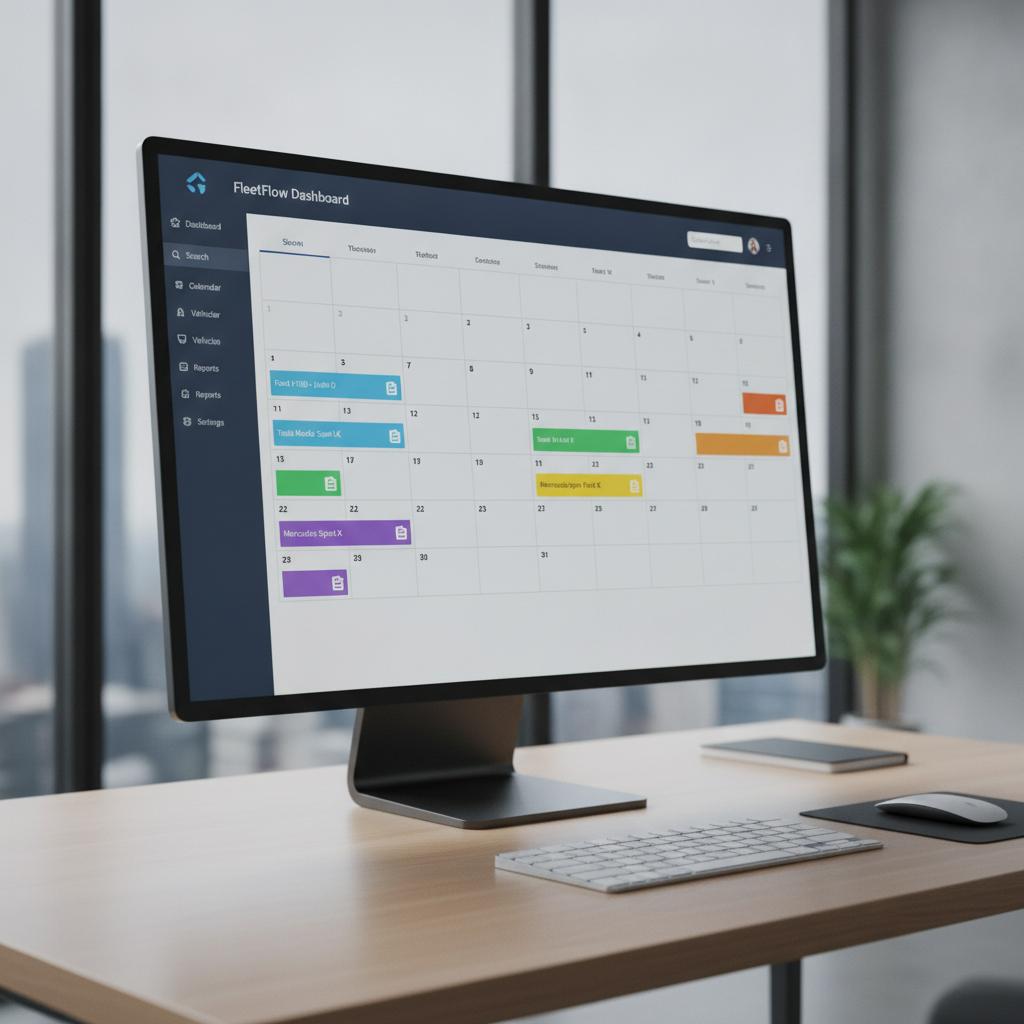
To run profitable mobile operations, you need more than a basic schedule. You need a dedicated fleet vehicle booking calendar with activity notes that gives you instant visibility, prevents scheduling overlap, and preserves crucial field data directly on the timeline. Whether you operate delivery vans, service trucks, or shared equipment, centralizing your assets on a visual timeline changes everything. If you are scaling up your vehicle operations, you might also want to read our guide on How to Prevent Double Booking in a Van Rental Business for deeper tactical insights.
The Hidden Cost of Messy Spreadsheets and Legacy Apps
Traditional spreadsheets cannot stop two staff members from claiming the same truck at 9:00 AM. They lack automated intelligence, real-time conflict locks, and mobile attachment features. On the other hand, legacy software options often punish growing businesses with expensive per-seat pricing models. Every time you hire a new driver or dispatcher, your software bill increases, penalizing you for growth.
Businesses migrating away from restrictive platforms often search for a TeamUp calendar alternative for operations that offers stronger conflict prevention and better asset tracking without unpredictable scaling costs. A modern operational calendar must anchor your workflow around simplicity, accountability, and absolute conflict prevention.
How OBCal Transforms Your Vehicle Operations
OBCal is designed from the ground up to solve these exact operational bottlenecks. As a visual operations and resource calendar, OBCal revolves around a conflict-locked timeline where schedule overlaps are physically impossible.
- Conflict Lock Engine: Instantly eliminates accidental double-bookings for multi-day rentals, maintenance windows, and dispatch slots.
- Mobile Photo Proofs and Notes: Drivers can attach fuel receipts, pre-trip inspection photos, and maintenance logs directly to the calendar event.
- Unbeatable Flat Pricing: Enjoy unlimited staff and users for a flat rate of $49/month, saving thousands compared to per-seat software taxes.
OBCal vs. Legacy Software and Spreadsheets
| Feature | OBCal (Visual Conflict Lock) | Legacy Software & Spreadsheets |
|---|---|---|
| Schedule Conflicts | 100% prevented via automated conflict lock engine | Frequent manual errors and accidental double-bookings |
| Field Documentation | Direct attachment of photos, receipts, and notes | Scattered across text messages, emails, and paper logs |
| User Pricing | Flat $49/month for unlimited staff and team members | Expensive per-seat user taxes that scale up costs |
| Visual Clarity | Clean, calendar-first grid designed for fast dispatching | Clunky interfaces or rigid, unformatted grid cells |
Pro Tips for Optimizing Your Fleet Schedule
Maximizing the efficiency of your shared assets requires establishing clear operational habits across your team:
- Enforce Pre-Trip Documentation: Make it mandatory for drivers to upload a quick photo and mileage note upon vehicle return. This establishes clear accountability.
- Block Routine Maintenance Windows: Schedule recurring service blocks directly on the calendar grid so vehicles cannot be booked while in the garage.
- Centralize Dispatch Access: Give all relevant team leads view or edit access so everyone stays aligned in real time without endless phone calls.
Frequently Asked Questions
Can multiple staff members access the fleet calendar simultaneously?
Yes. OBCal includes unlimited staff and user accounts for a flat $49/month rate, ensuring your entire team stays synchronized without extra fees.
How do activity notes and photo proofs work?
Team members can upload images, receipts, and text notes directly into any calendar event via mobile or desktop, keeping all vehicle history attached to the exact booking slot.
What happens if someone tries to double-book a vehicle?
OBCal features a robust conflict-locked timeline that blocks overlapping reservations, ensuring two drivers can never claim the same asset at the same time.
Streamline Your Fleet Today
Stop losing time to scheduling conflicts, lost receipts, and bloated software bills. Take control of your mobile assets with a visual operations hub built for growth. Start your 14-day free trial of OBCal today and experience conflict-free scheduling with complete activity tracking.